Descript excels in video and audio content editing with a high user rating of 4.7/5, praised for its intuitive design and advanced features like transcription and green screen. Motion, rated 4.3/5, is favored for task and schedule management, offering robust features but with a steeper learning curve. While Descript is noted for cost efficiency, Motion's pricing is perceived as more expensive.
Best for
Descript is the better choice when creating high-quality video and audio content, particularly for teams focused on content creation and editing across multiple platforms.
Best for
Motion is the better choice when efficient task management and scheduling are priorities, especially for teams needing to optimize productivity and collaboration.
Key Differences
Verdict
Descript should be chosen by teams that prioritize comprehensive video editing capabilities with cost-effective solutions. Motion is ideal for those needing precise task scheduling and management despite its higher cost, catering to teams emphasizing productivity. Evaluate your specific needs and team experiences when making your decision.
Descript
Video editing
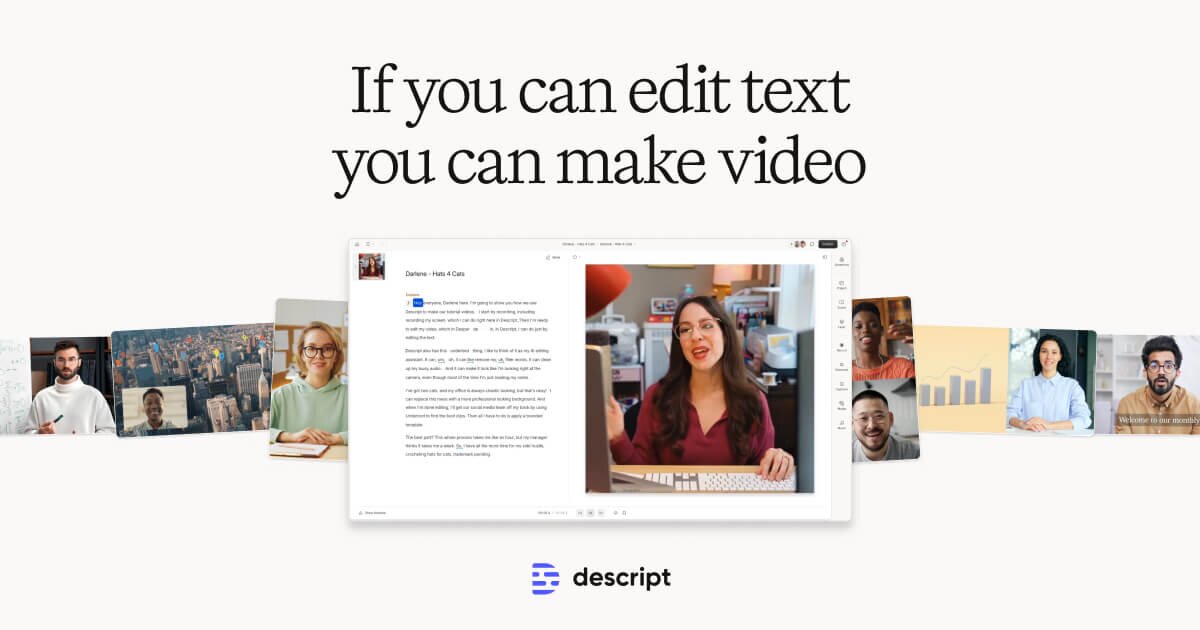
Descript is widely praised for its user-friendly interface and powerful editing capabilities, particularly in transcribing and editing audio and video content. Users commend its seamless integration of features and intuitive design, although a few have noted occasional performance issues with larger files. Pricing appears favorable compared to competitors, with users generally perceiving it as offering good value for money. Overall, Descript holds a strong reputation for its innovative features and efficiency, making it a popular choice for content creators.
Motion
Motion is built for individuals and teams of all sizes
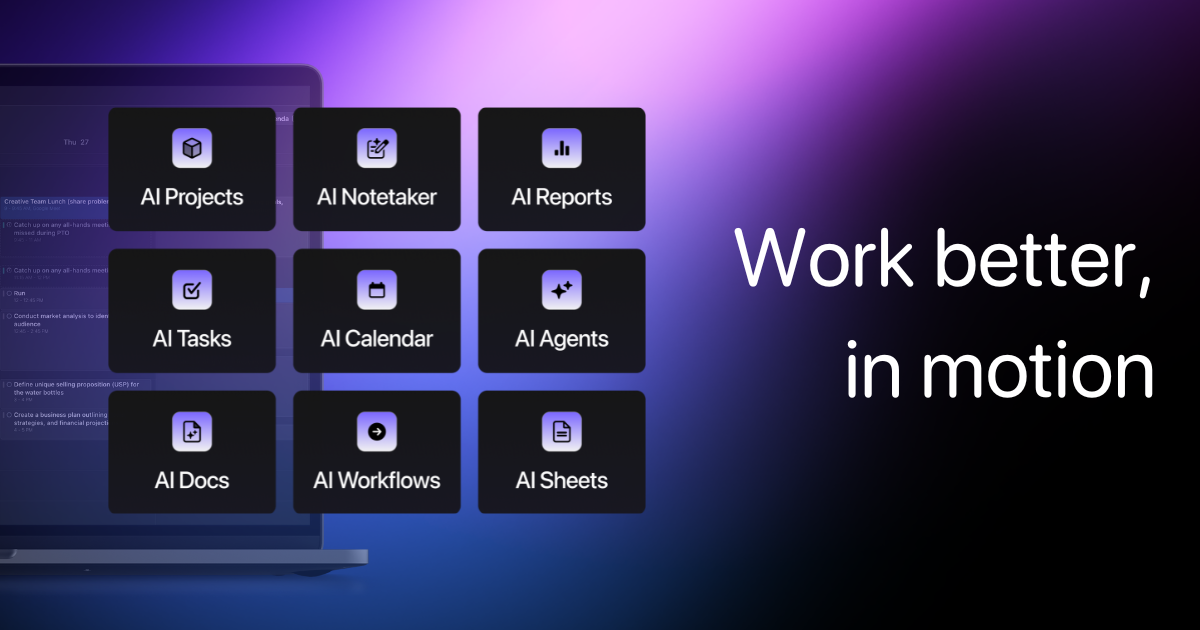
Users generally praise Motion for its robust functionality and ease of use, particularly appreciating its performance in managing tasks efficiently. However, there are some complaints centered around its learning curve, which can be steep for new users. The pricing sentiment is mixed, with a few users finding it slightly expensive but acknowledging the value it provides. Overall, Motion maintains a strong reputation for reliability and effective task management, as shown by its predominantly high ratings and positive feedback.
Descript
-97% vs last weekMotion
Stable week-over-weekDescript
Motion
Descript
Motion
Descript
Pricing found: $16, $24, $24, $35, $50
Motion
Pricing found: $700, $250
Descript (10)
Motion (8)
Only in Descript (10)
Only in Motion (10)
Shared (6)
Only in Descript (14)
Only in Motion (9)
Descript
What do you like best about Descript?The ease and speed of extracting a transcript for an audio file. It saved me a good hour! Review collected by and hosted on G2.com.What do you dislike about Descript?There was no option to get the transcript as a PDF Review collected by and hosted on G2.com.
What do you like best about Descript?Brilliant App. Easy to use. High quality output. Review collected by and hosted on G2.com.What do you dislike about Descript?Nothing so far. I have not come across anything that has stumped me. The solutions have been to access. Review collected by and hosted on G2.com.
What do you like best about Descript?I really like how Descript simplifies tasks that typically require a lot of time, like difficult edits. The studio sound plugin is really good and helps to get better audio quickly, which is great for scratch voice overs that we don't have the skill set to edit otherwise. I also appreciate the multi-camera editing feature, as it makes handling multiple camera shots for podcasts or virtual interviews much better. The ability to just drop different scenes into Descript improves the overall workflow. Another standout feature is the AI chatbot that allows us to make edits just by explaining what we want done instead of doing it manually, which I find really powerful. We also started using Descript rooms because it was really helpful. Review collected by and hosted on G2.com.What do you dislike about Descript?I would love to see even more improvements in the multi camera edit. Right now, it works much better with multiple audio tracks. But there are many circumstances where I only have one audio track, and being able to detect mouths moving and still do those cuts would be really helpful. Review collected by and hosted on G2.com.
Motion
What do you like best about Motion?I love that I can send a link to someone that shows preferred times and available times they can meet with BOTH my business partner and me. I also like the permanent links I can set up that allow someone to use their special meeting link over and over again. Review collected by and hosted on G2.com.What do you dislike about Motion?It really wants to cram my day in with activities if I let it. I would like it if I could say, "I only want to do so much deep work in a day vs light work, and have so many breaks." If I let it set my entire schedule, I'd never get to pee. Review collected by and hosted on G2.com.
What do you like best about Motion?This gives us something that works directly with Final Cut and uses the same codecs. We are able to easily move items back and forth as needed. AS the name suggests Motion is fantastic for adding dramatic motions and graphics to any video. Review collected by and hosted on G2.com.What do you dislike about Motion?The rendering time and process can be cumbersome and time consuming at times depending on the graphics and video being used. Review collected by and hosted on G2.com.
What do you like best about Motion?I like that Motion has a user interface that is easy to use and understand. The interface is built very similar to that of Final Cut which makes it very nice when needing to switch between the two applications to achieve different effects. With Motion you are able to achieve the (as the name states) motions that you aren't able to achieve with Final Cut. Review collected by and hosted on G2.com.What do you dislike about Motion?I think the one downfall to Motion which has gotten better is the time it takes to render and save videos. Especially with the videos that have a lot of movement to them which creates a larger file size. Also it seems that the compression you receive with Motion isn't to the degree of the compression you get with other pieces of software like Final Cut or even the dreaded iMovie. Review collected by and hosted on G2.com.
Descript
Motion
Descript
Motion
Descript
Motion
Descript
Motion
Descript
OpenAI’s Game-Changing o1 Description: Big news in the AI world! OpenAI is shaking things up with the launch of ChatGPT Pro, priced at $200/month, and it’s not just a premium subscription—it’s a glim
OpenAI’s Game-Changing o1 Description: Big news in the AI world! OpenAI is shaking things up with the launch of ChatGPT Pro, priced at $200/month, and it’s not just a premium subscription—it’s a glimpse into the future of AI. Let me break it down: First, the Pro plan offers unlimited access to cut
Motion
Is Flock just a poor US-centric copy of, globally active Genetec?
I've read all of Genetec's [customer stories](https://www.genetec.com/customer-stories/search) (the PDFs), and although I recognize these, as being Genetec marketing material (at least in part), they do contain insightful information, regarding implementation of surveillance systems; that is, from t
Shared (2)
Only in Motion (2)
Descript is better suited for creating instructional videos due to its comprehensive video and audio editing features.
Descript offers more affordable pricing starting from $16 with a free tier, whereas Motion's plans start at $250 and are considered pricier.
Descript generally has stronger community support, reflected in its higher user rating of 4.7 compared to Motion's 4.3.
Yes, Descript and Motion can complement each other, with Descript handling content creation and Motion managing scheduling and productivity.
Descript is typically easier to get started with due to its intuitive design, while Motion may have a steeper learning curve.


